

 raitechcorporation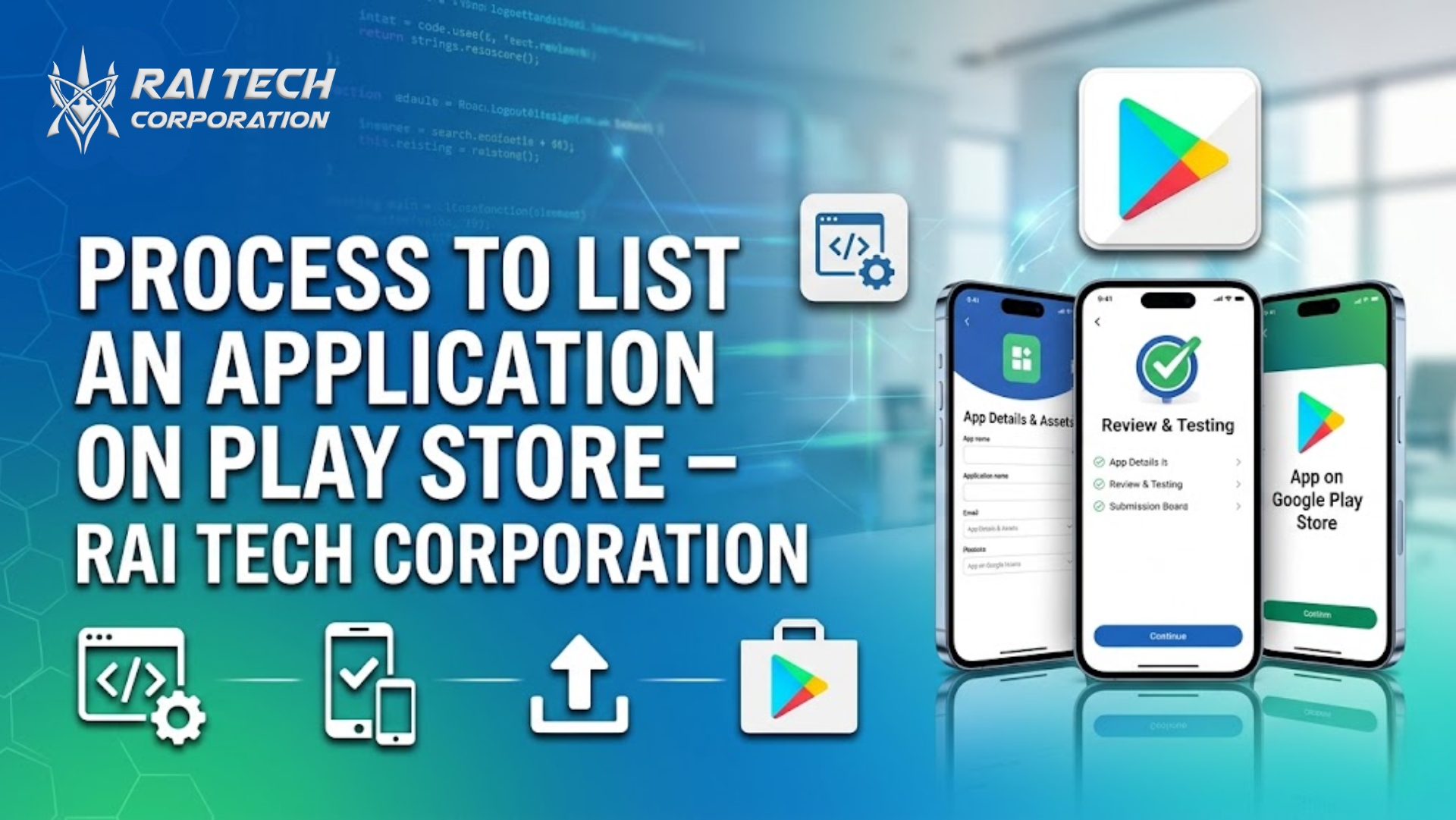
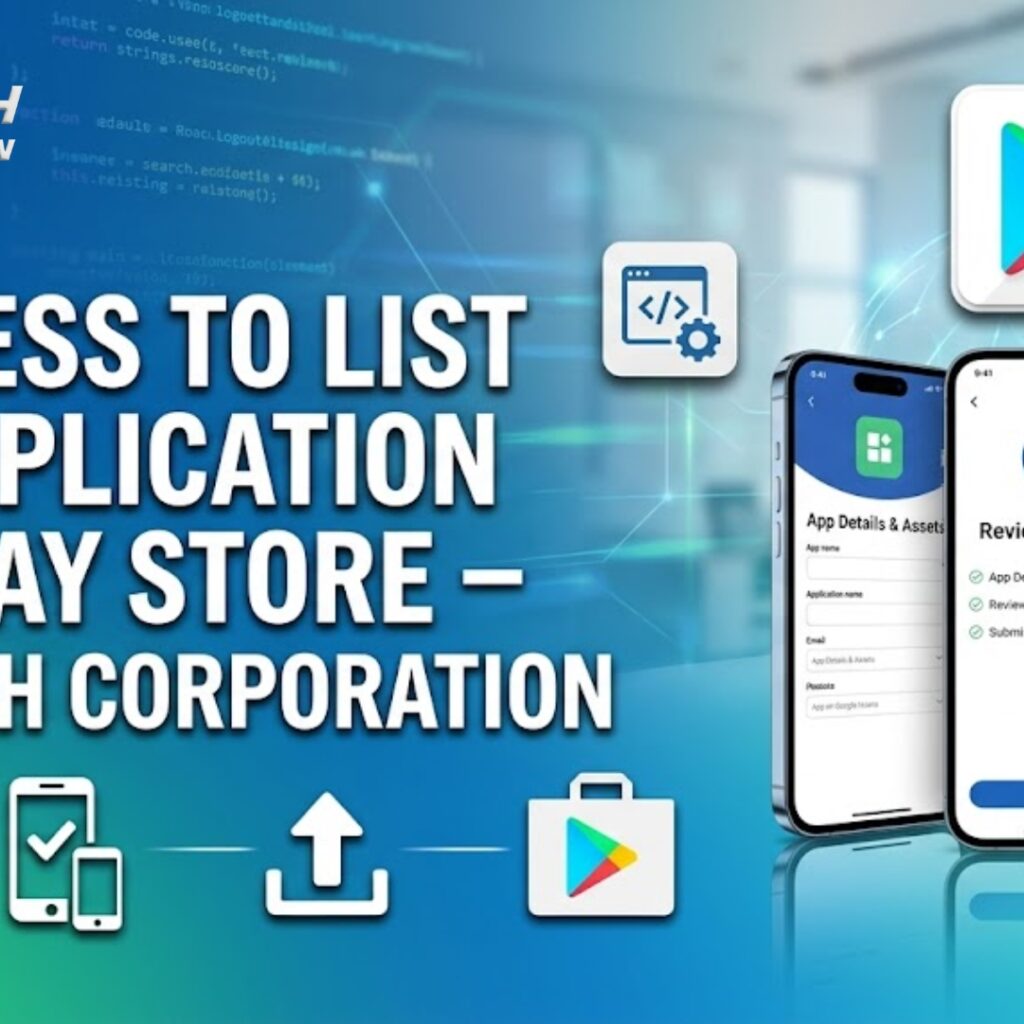
Complete Guide to Publish Your App on Google Play Store
Launching a mobile application is only the first step—getting it published on the Google Play Store is what makes it accessible to millions of users worldwide. However, many businesses and developers find the publishing process complex.
Rai Tech Corporation simplifies the entire Play Store app submission process, helping businesses successfully launch their Android applications with proper optimization and compliance.
Why Publish Your App on Google Play Store?
The Google Play Store is the largest app distribution platform for Android users, offering:
- Global audience reach
- Easy app distribution
- Monetization opportunities
- Regular updates and maintenance support
Publishing your app correctly ensures better visibility, downloads, and user engagement
Step-by-Step Process to List an Application on Play Store
1. Create a Google Play Developer Account
To publish an app, you need a Google Play Developer Account.
- One-time registration fee: $25
- Sign up using your Google account
- Complete profile details
2. Prepare Your App for Release
Before uploading, ensure your app is fully ready:
- Bug-free and tested
- Optimized performance
- Secure and compliant with Play Store policies
- APK or AAB file ready
3. Create App Listing
In the Google Play Console, create a new app and fill in details:
- App name
- Description (short & long)
- App category
- Language selection
5. Add App Graphics & Assets
High-quality visuals improve conversion rates:
- App icon (512×512)
- Feature graphic
- Screenshots (mobile, tablet)
- Promo video (optional)
6. Set Content Rating
Complete a questionnaire to determine your app’s content rating. This helps Google categorize your app appropriately.
7. Configure Pricing & Distribution
Decide whether your app is:
- Free or Paid
- Available globally or in selected countries
8. Add Privacy Policy & Permissions
Provide a valid privacy policy URL and clearly define app permissions to comply with Google policies.
9. Review & Publish
After completing all steps:
- Review all details carefully
- Submit your app for Google review
- Approval usually takes a few hours to a few days
Once approved, your app will be live on the Play Store.
Common Mistakes to Avoid
❌ Incomplete app listing
❌ Policy violations
❌ Poor app description (no SEO)
❌ Low-quality images
❌ Missing privacy policy
Avoiding these mistakes increases your chances of fast approval.
Play Store Optimization (ASO) Tips
To rank your app higher on the Play Store:
- Use relevant keywords in title and description
- Add high-quality screenshots
- Encourage user reviews and ratings
- Update your app regularly
- Optimize app performance
How Rai Tech Corporation Helps You
Rai Tech Corporation provides complete App Publishing & Play Store Optimization services to ensure your app launches successfully.
Our services include:
- Google Play Developer Account setup
- App submission and publishing
- App Store Optimization (ASO)
- Graphics and listing optimization
- Policy compliance check
- Post-launch support and updates
We ensure your app is properly optimized, approved quickly, and ready to attract users.
Why Choose Rai Tech Corporation?
✔ Expert mobile app development team
✔ Complete Play Store publishing support
✔ ASO and keyword optimization
✔ Fast approval and compliance handling
✔ End-to-end app launch solutions
Rai Tech Corporation helps businesses launch and scale their mobile apps successfully.
Conclusion
Publishing your app on the Play Store is a crucial step in reaching your target audience. By following the right process and optimizing your app listing, you can improve visibility and downloads.
Rai Tech Corporation simplifies the entire Play Store listing process, helping you launch your app efficiently and successfully.
Contact Rai Tech Corporation
📍 Company: Rai Tech Corporation
🌐 Website: www.raitechcorporation.com
📞 Phone: +91 6394882355
📧 Email: raitechcorporation@gmail.com
Get in touch with Rai Tech Corporation to publish your app on the Play Store with ease.